
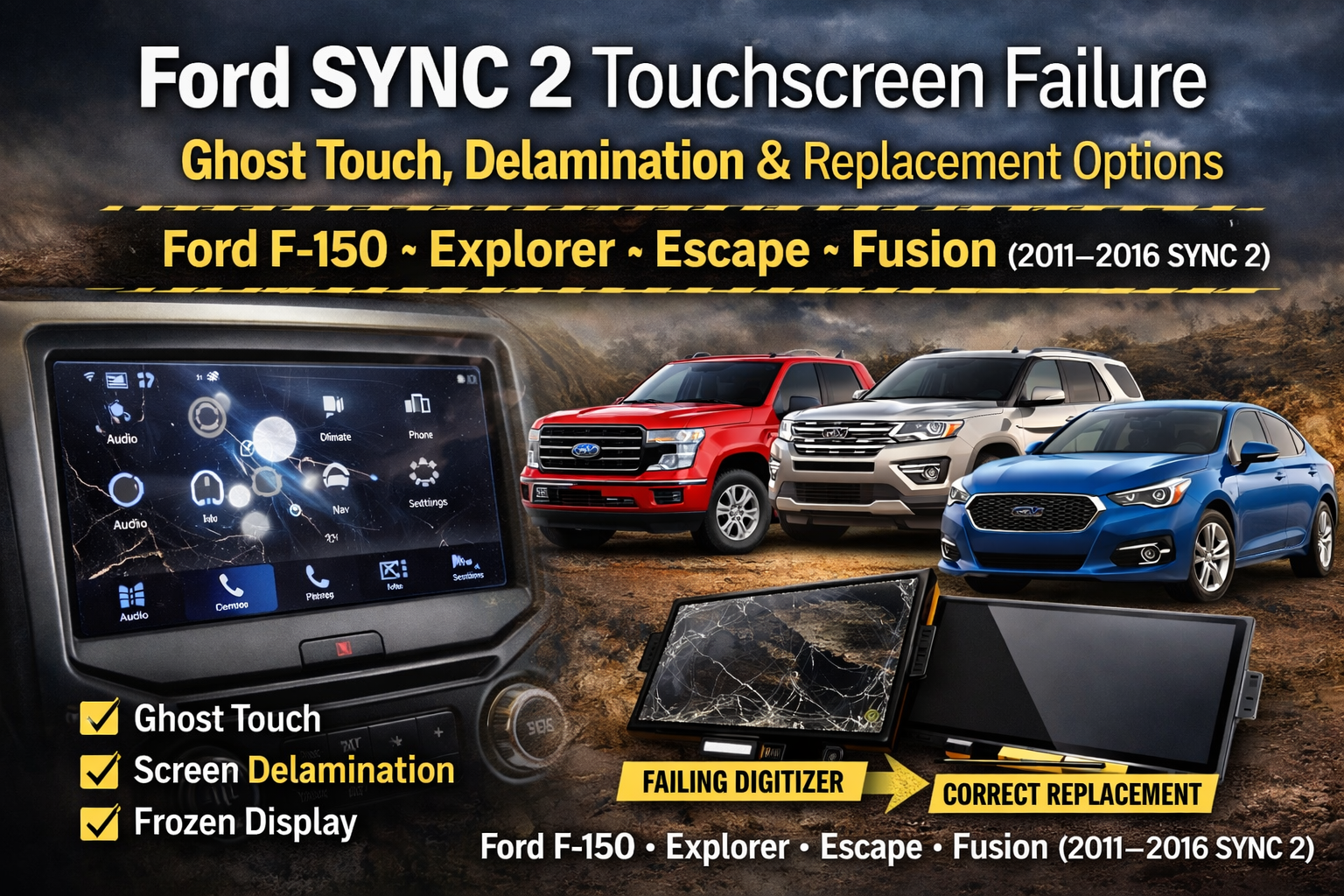
If you own a 2011–2016 Ford equipped with SYNC 2 (MyFord Touch) and your screen is acting up, you’re not alone. SYNC 2 8" touchscreen failures are extremely common in vehicles like the Ford F-150, Explorer, Escape, Fusion, Edge, and more.
From ghost touch to bubbling screens, these issues typically point to one thing: a failing touchscreen digitizer.
Common Ford SYNC 2 Touchscreen Symptoms
- Ghost touch (phantom inputs) – The screen changes stations, opens menus, or activates climate controls without being touched.
- Unresponsive touch areas – Certain parts of the screen stop registering input.
- Delamination or bubbling – Visible air bubbles, haze, or separation in the screen layers.
- Screen freezing – The display locks up or becomes difficult to control.
- Inaccurate touch response – You press one area, but the system registers somewhere else.
If your SYNC 2 system seems possessed or unreliable, the touchscreen itself is almost always the root cause — not the radio module.
What Causes SYNC 2 Screen Failure?
1. Failing Digitizer (Most Common)
The digitizer is the clear touch-sensitive layer bonded to the display. Over time, especially in high-heat environments, this layer degrades and begins sending false signals to the system.
2. Heat & Adhesive Breakdown
Ford trucks and SUVs experience significant interior temperature swings. Repeated heating and cooling cycles can cause the touchscreen layers to separate — leading to bubbling and inaccurate touch response.
3. Wear Over Time
These vehicles are now 8–14 years old. Normal wear combined with environmental exposure makes touchscreen failure increasingly common.
Is It the Screen or the SYNC Module?
Many owners assume the entire infotainment system has failed. In reality, most SYNC 2 issues are isolated to the touchscreen digitizer.
If:
- The display still turns on
- Audio works normally
- The system responds occasionally
Then the radio module is usually fine — the touch layer is what’s failing.
Dealership Replacement vs. Digitizer Replacement
Dealership Approach
Dealers often recommend replacing the entire screen assembly or even the full head unit. This can cost hundreds to over a thousand dollars.
The Smarter Fix
In most cases, replacing only the 8" touchscreen digitizer restores full functionality at a fraction of the cost.
The Ford SYNC 2 8" Touchscreen Digitizer Replacement (2011–2016) is designed to directly replace the failing touch layer while retaining your original display and system.
Vehicles Commonly Affected (2011–2016 SYNC 2)
- Ford F-150
- Ford Explorer
- Ford Escape
- Ford Fusion
- Ford Edge
- Ford Flex
- Lincoln models with MyFord Touch
If your vehicle uses the older SYNC 2 (MyFord Touch) system with the 8" screen, this digitizer replacement is the correct solution.
(You can find here the Ford Sync 4 12" Inch OEM Replacement LCD Touch Screen Glass Digitizer and the 8" Touch Screen Replacement LCD Digitizer for 2021+ Ford Sync 4)
Why Replace the Digitizer Instead of Upgrading?
Some owners consider upgrading to SYNC 3. While that is possible, it requires additional hardware and programming.
If your SYNC 2 system otherwise works well, replacing the failing touchscreen is often the simplest and most cost-effective way to restore normal operation.
Frequently Asked Questions
Is ghost touch a software issue?
No. Persistent ghost touch is almost always caused by a failing touchscreen digitizer.
Will a system reset fix the problem?
A reset may temporarily improve performance, but if the digitizer is failing, the issue will return.
Do I need to replace the entire screen?
Not usually. In most SYNC 2 cases, only the digitizer layer needs replacement.
How difficult is installation?
Installation requires removing the trim and screen assembly but can be completed by many DIYers with basic tools and patience.
TL;DR
Ford SYNC 2 8" touchscreen failures (2011–2016) are extremely common — especially ghost touch and screen delamination. The permanent solution is replacing the failing touchscreen digitizer.
If your F-150, Explorer, Escape, or Fusion screen is acting up, you likely don’t need a whole new infotainment system — just the correct replacement digitizer.
About the Author
Daniel Gigante has over 18 years of experience in the automotive industry, with a focus on vehicle technology, infotainment systems, and real-world reliability. He writes about automotive design, touchscreen usability, and how modern technology impacts everyday driving.
![[Premium] Upgraded Gel-Free Cadillac CUE Replacement Touch Screen Display-Cuescreens](http://www.cuescreens.com/cdn/shop/files/7c1892_b5fcaf040dfe42abb289e47b1fa91ab9_mv2.png?v=1738265347&width=460)


![[Premium] Upgraded Gel-Free Cadillac CUE Replacement Touch Screen Display-Cuescreens. Supports Proximity Sensors.](http://www.cuescreens.com/cdn/shop/files/7c1892_7faa9297eab444d5a99838357b9c178c_mv2.png?v=1764720901&width=460)









