
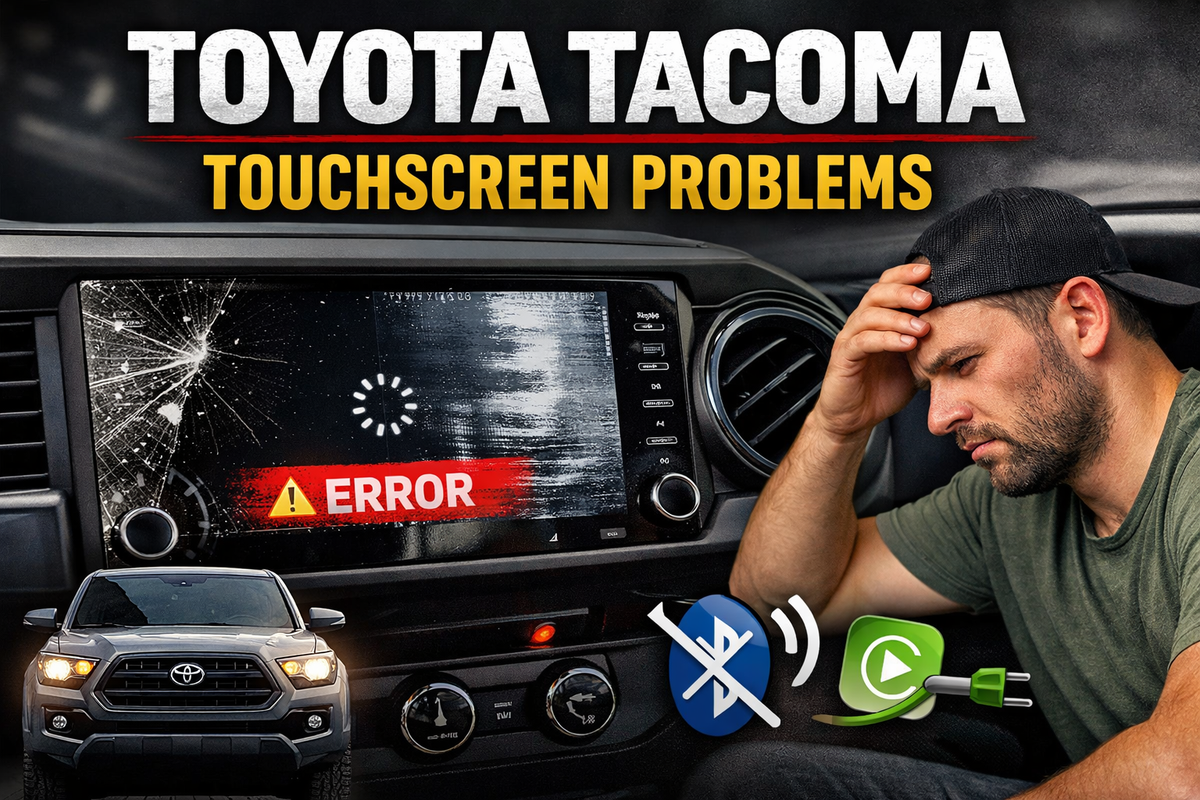
If your Toyota Tacoma touchscreen is not responding, freezing, or going black, you’re not alone. Across multiple model years, Tacoma owners report recurring infotainment issues that can make the truck frustrating to use.
This guide breaks down the most common Toyota Tacoma touchscreen problems, why they happen, and how to fix them.
Common Toyota Tacoma Touchscreen Problems
1. Touchscreen Not Responding
One of the most reported issues is a screen that stops responding to touch.
- Buttons don’t register
- Delayed or random inputs
- Entire screen becomes unusable
This is often caused by software glitches or failing internal components.
2. Screen Freezing or Lagging
Tacoma infotainment systems can become slow or freeze entirely.
- Delays when switching apps
- Freezing on Apple CarPlay or radio
- System needing frequent restarts
This typically happens due to outdated firmware or system overload.
3. Black Screen (Display Failure)
A more serious issue is when the screen goes completely black.
- Backup camera may still work
- Audio may still play
- No visual display at all
This can be caused by software crashes, faulty display hardware, or wiring issues.
4. Apple CarPlay / Bluetooth Issues
Connectivity problems are extremely common.
- Phone won’t connect
- CarPlay disconnects randomly
- Bluetooth audio cuts out
Many drivers report needing to restart the system just to reconnect their phone.
5. System Reboots or Glitches
Some Tacoma owners experience:
- Random restarts
- Screen flickering
- Glitches when starting the vehicle
These are typically tied to software instability.
What Causes Tacoma Touchscreen Problems?
Software Bugs
Modern Tacoma infotainment systems rely heavily on software. Bugs can lead to freezing, lag, or complete failure.
Heat and Environment
High interior temperatures can affect touchscreen performance and damage internal components over time.
Wiring or Hardware Failure
Loose connections or failing parts can cause intermittent or permanent screen issues.
Phone Compatibility Issues
CarPlay and Bluetooth rely on updated software. Compatibility issues can lead to frequent disconnects.
How to Fix Toyota Tacoma Touchscreen Issues
1. Perform a System Reset
Try restarting the system by holding the power/volume button or disconnecting the battery for a short period.
2. Update Software
Check for available Toyota firmware or infotainment updates. Many issues are resolved through updates.
3. Check Fuses and Wiring
If the screen is completely dead, inspect the infotainment fuse and wiring connections.
4. Clean the Screen
Dirt or moisture can interfere with touch sensitivity. Clean the screen with a microfiber cloth.
5. Replace the Screen or Head Unit
If problems persist, the touchscreen digitizer or display may be failing and require replacement.
Which Tacoma Years Have the Most Issues?
Touchscreen problems are most commonly reported in:
- 2016–2023 Tacoma (Entune systems)
- 2024+ Tacoma (newer large touchscreen systems)
Is This a Design Problem?
Many Tacoma owners report similar failures across vehicles, suggesting a recurring design weakness in the infotainment system.
When Should You Replace the Screen?
- Touch no longer works at all
- Screen is cracked or damaged
- System constantly freezes despite resets
- Black screen persists
Final Thoughts
Toyota Tacoma trucks are known for reliability, but the infotainment system is a common weak point.
The most frequent issues include:
- Unresponsive touchscreens
- Freezing or lagging systems
- Black screens
- Connectivity problems
While some issues can be fixed with resets or updates, others require full replacement.
Bottom Line
If your Tacoma touchscreen is acting up:
- Start with a reset
- Check for updates
- If issues continue, hardware replacement is likely needed
If you need a fix for your Toyota Tacoma you can find our options here.
About the Author
Daniel Gigante has over 18 years of experience in the automotive industry, with a focus on vehicle technology, infotainment systems, and real-world reliability. He writes about automotive design, touchscreen usability, and how modern technology impacts everyday driving.
![[Premium] Upgraded Gel-Free Cadillac CUE Replacement Touch Screen Display-Cuescreens](http://www.cuescreens.com/cdn/shop/files/7c1892_b5fcaf040dfe42abb289e47b1fa91ab9_mv2.png?v=1738265347&width=460)


![[Premium] Upgraded Gel-Free Cadillac CUE Replacement Touch Screen Display-Cuescreens. Supports Proximity Sensors.](http://www.cuescreens.com/cdn/shop/files/7c1892_7faa9297eab444d5a99838357b9c178c_mv2.png?v=1764720901&width=460)









